Was I overcharged? How to check a receipt with a photo
Snap your receipt and DAAM checks every line against verified market prices. How it works, what it reads, and what to do if you overpaid.
Published 4 min read
The short answer
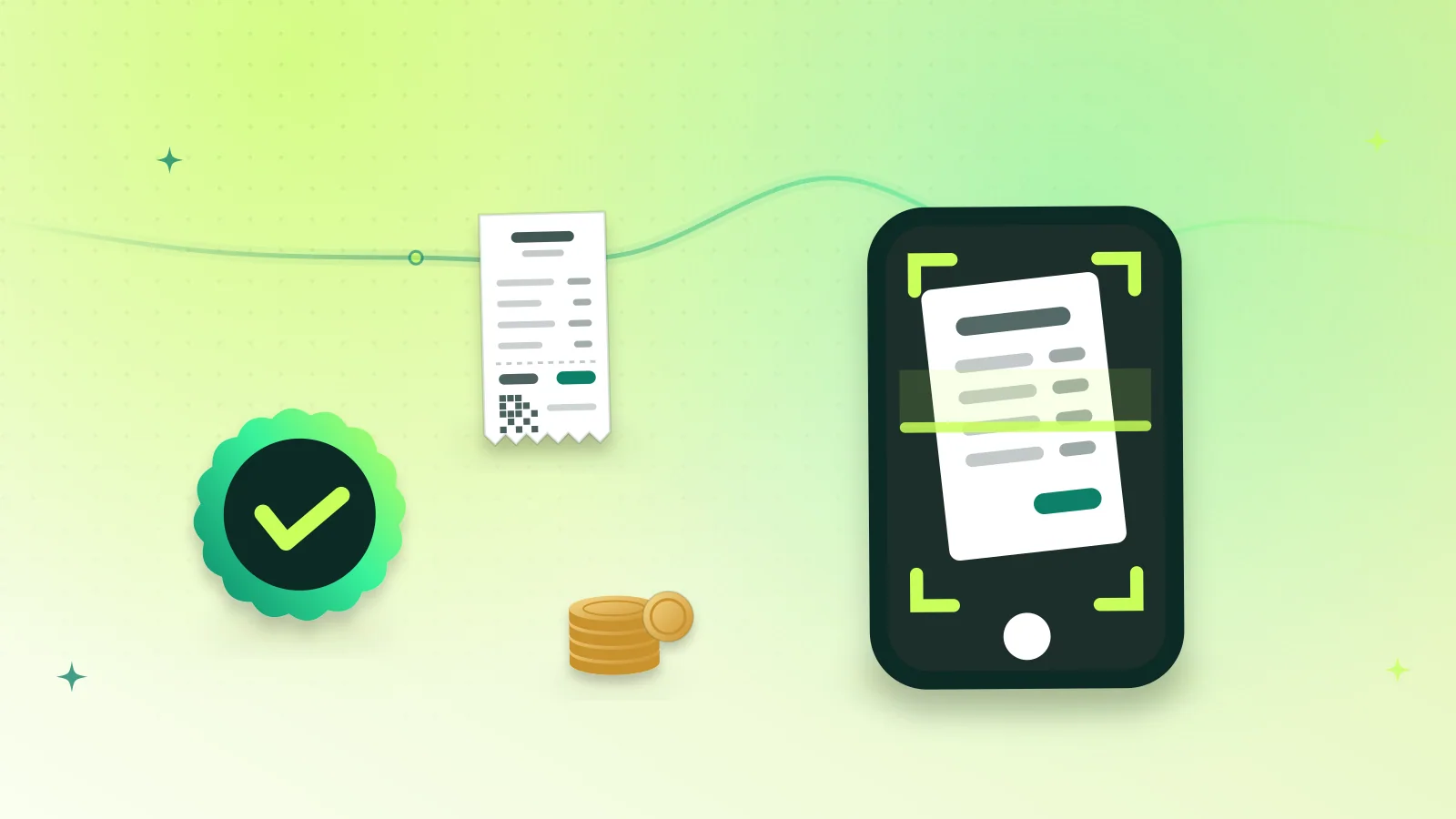
To find out whether you were overcharged, send DAAM a clear photo of the receipt. It reads each item, quantity and price, shows you what it read so you can correct it, then compares every line with verified market prices for the same product. You get a verdict per line and the total you might have saved.
Key takeaways
- A receipt check works for shop bills, electronics invoices, supplier bills and restaurant bills.
- You always confirm what DAAM read before it checks — a blurry photo cannot turn into a wrong verdict.
- Each line gets its own verdict, from “good price” to “potentially above the market range”.
- Photos are stripped of location data, used only to read prices and deleted after 30 days.
- If you did overpay, the check gives you evidence for a return, an exchange or a complaint.
On this page
When a receipt check helps
Most of us only wonder about a price after paying. Maybe a friend bought the same charger for less, or the hardware store bill felt heavy. A receipt check answers the question properly: for each item on the bill, what were verified sellers asking at the time, and where does your price sit?
It is most useful for:
- Electronics — a phone, laptop, TV or accessories bought in a market where prices vary a lot between shops.
- Construction materials — cement, sariya, bricks, tiles or paint on a supplier’s bill.
- Clothing — brand outlet bills, especially around sale season.
- Restaurants — a dine-in or delivery bill, item by item.
Step by step
- Open DAAM and tap the camera. You can add up to three photos in one message — useful for long bills.
- Take the photo flat and in good light. Fill the frame with the receipt; avoid shadows across the numbers.
- Check the card DAAM shows you. It lists the items, quantities and unit prices it read. Fix anything that is wrong or missing: the storage size of a phone, the brand of cement, your city.
- Tap “Looks right”. DAAM now checks each line against verified prices for the same product.
- Read the verdicts. Each line shows the market range, the cheapest verified in-stock offer and a verdict, followed by the total possible saving.
What DAAM reads from a receipt
| Field | Why it matters |
|---|---|
| Item names and model numbers | To match the exact product, not a similar one |
| Quantity and unit price | So a bill for 20 bags is compared per bag |
| Seller name and city | City matters for construction materials and restaurants |
| Date | So the comparison uses prices from around the time you bought |
| Taxes and totals | Kept separate from the item prices |
| FBR POS invoice number | Noted as a signal that the receipt came from a registered point of sale |
An FBR invoice number is not verified with FBR by DAAM — FBR offers no public verification service for apps — but its presence is recorded. You can verify it yourself through FBR’s own channels.
Reading the result
Each line gets one of these verdicts:
- Good price — at or near the cheapest verified offers.
- Within the market range — a normal price.
- Slightly above — above most sellers, worth asking about next time.
- Potentially above the observed market range — clearly higher than what verified sellers were asking.
- Below the market — check details — unusually cheap; make sure it was new, genuine and complete.
- Not enough evidence — DAAM didn’t have enough verified prices to judge fairly, and says so.
Free · no sign-up needed
Got the bill in your pocket? Check it now
Open DAAM, tap the camera and send the receipt. Confirm what it read, and see line by line whether you paid a fair price.
Opens DAAM with: “Check my receipt: was I overcharged?”
What to do if you were overcharged
Being above the market is not illegal in itself, but it gives you leverage:
- Go back with the evidence. Many shops will refund the difference or offer an exchange rather than lose a customer, especially within a few days.
- Check the warranty and extras. Sometimes the higher price includes installation, delivery or a longer warranty. If it does not, say so.
- Know your rights. If a shop charged more than a price printed on the product or refused a legitimate return, provincial consumer protection laws may apply. Each province has consumer courts that hear such complaints — keep the receipt as your proof.
- Help the next buyer. You can choose to add your price anonymously so others see real transaction prices — see sharing prices anonymously.
Privacy
Photos are resized in your browser before upload, which removes location (EXIF/GPS) data, and they are cleaned again on DAAM’s server — iPhone HEIC photos are converted and camera data removed. They are used only to read prices and are deleted after 30 days, or straight away if you ask. Names, phone numbers, CNIC and card numbers are redacted from anything DAAM keeps. An FBR invoice number is stored only as a scrambled fingerprint, so the same receipt is never counted twice.
Frequently asked questions
Can DAAM tell me if I was overcharged from a photo of my bill?
Yes. Send a clear photo of the receipt. DAAM reads the items and prices, shows them for you to confirm, then compares each line with verified market prices and gives a verdict per line plus the total possible saving.
What kinds of receipts work?
Printed shop receipts, electronics invoices, supplier and hardware bills, restaurant bills and handwritten quotations that are clearly readable. Screenshots of online orders work too.
What if DAAM reads a price wrong?
You fix it before anything is checked. DAAM always shows an editable card with what it read — items, quantities, prices and details like storage or cement brand — and only checks after you tap “Looks right”.
Does DAAM keep my receipt photo?
Only to read prices. Photos are stripped of location data, stored privately and deleted after 30 days, or immediately if you ask. Personal details on the receipt are redacted from what DAAM keeps.
Free · no sign-up needed
Got the bill in your pocket? Check it now
Open DAAM, tap the camera and send the receipt. Confirm what it read, and see line by line whether you paid a fair price.
Opens DAAM with: “Check my receipt: was I overcharged?”
Written by
Hamza writes DAAM’s price guides for shoppers in Pakistan: where to buy, what to check before paying and how to use verified prices to avoid being overcharged.